
Published: Oct 16, 2026 | Last Updated: Jun 11, 2026
Author: Tom Hendrix, CEO & Founder LoyaltycardTools. Tom is a digital entrepreneur with 25 years of experience and founded several succesful SAAS platforms like Coupontools, Smstools & LoyaltycardTools.
In today's competitive ecommerce landscape, customer loyalty is more valuable than ever. Integrating a digital loyalty program directly with your Shopify store is one of the most effective ways to retain customers, boost repeat purchases, and foster long-term business growth. This comprehensive guide will walk you through how to easily and efficiently connect your loyalty program to Shopify, share expert insights, practical strategies, and demonstrate how platforms like Loyaltycardtools.com make the process seamless – even for small businesses and agencies.
By linking your loyalty program to your Shopify store, your customers can automatically earn rewards for purchases, check their loyalty status at any time, and access their digital loyalty cards or punch cards within their mobile wallets. This frictionless experience leads to increased satisfaction and higher engagement.
Automation is key. Integration through tools like Make.com allows you to synchronize customer data, purchase history, and loyalty status. This means less manual work for you and more accurate, personalized engagement for your customers.
Combining Shopify transaction data with loyalty analytics helps you better understand your most loyal segments, tailor rewards, and optimize future campaigns.
A well-run loyalty program built into your Shopify experience incentivizes repeat visits and drives revenue. According to industry studies, repeat customers can spend up to 67% more than new customers, making loyalty integration an indispensable strategy.
Loyaltycardtools.com specializes in two robust types of programs:
Point-based programs are not supported, which ensures a streamlined focus on effective, simple loyalty models that are proven to drive engagement for ecommerce businesses.
Connecting your loyalty program to Shopify typically involves synchronizing your Shopify customer and order data with your loyalty platform, so you can automatically issue and update membership cards or punch cards. Loyaltycardtools.com achieves this integration through a powerful automation link with Make.com (formerly Integromat), allowing tremendous flexibility to connect Shopify and a wide range of other apps or CRM systems.
To begin, create a free trial on Loyaltycardtools.com. This trial allows you to explore the full range of digital loyalty card solutions, workflow automations, and customization options before making a commitment.
Navigate to the dashboard and choose whether you want to create a digital membership card or a punch card. Use the intuitive editor to customize the look and feel of your card, add your store branding, and set the rules for rewards.
Ensure your Shopify store is set up to collect the necessary customer data (such as email address or phone number) at checkout. This will act as the link between Shopify transactions and your loyalty program.
Make.com offers a no-code automation platform to connect Shopify with Loyaltycardtools.com. Here’s how you set up the integration:
Once your integration is tested and working, notify your customers about the new loyalty program! Use Shopify email marketing, banners on your store, and even SMS (for marketing and notifications) to explain the benefits. Loyaltycardtools.com allows you to send push or SMS notifications when a new card is issued or a punch is added (excluding SMS verification).
Track reward redemptions, punch card completions, and member engagement via the Loyaltycardtools.com dashboard. Use these analytics to fine-tune your offers and maximize your program’s impact.
Complex rules can discourage participation. Stick to clear, customer-friendly messaging and easy-to-understand reward structures.
Integrate loyalty CTAs on Shopify product pages, in thank-you emails, checkout screens, and on your homepage. Link directly to your program FAQs and sign-up/module pages.
Leverage Shopify data (like purchase history or birthdays) to trigger personalized incentives and push notifications through Loyaltycardtools.com.
Make sure your retail or fulfillment staff know how to validate digital cards and award punches if needed—this ensures a smooth user experience at every touchpoint.
Review data to see which rewards drive the most engagement. Adjust your offer structure based on real customer behavior, not just assumptions.
If you’re ready to boost repeat business and create true customer loyalty, integrating Loyaltycardtools.com with your Shopify store is the smartest move you can make. Whether you provide services to restaurants, hospitality, or retail, Loyaltycardtools.com offers specialized solutions (see our solutions for restaurants or solutions for retail for industry-specific ideas).
Test out all features and automation for free: Start your free trial
Use Make.com to trigger special offers for members who reach certain milestones—such as sending discount coupons when members are one purchase away from earning a reward.
Analyze loyalty data to identify top spenders from Shopify. Offer exclusive early access sales or VIP upgrades for your most active members.
Expand your automation beyond Shopify by connecting Loyaltycardtools.com with your existing CRM or email marketing platform. This helps deliver truly personalized communications that drive conversions.
Implementing a loyalty program shouldn't be daunting. Below are answers to the most commonly asked questions about integrating your loyalty solution with Shopify.
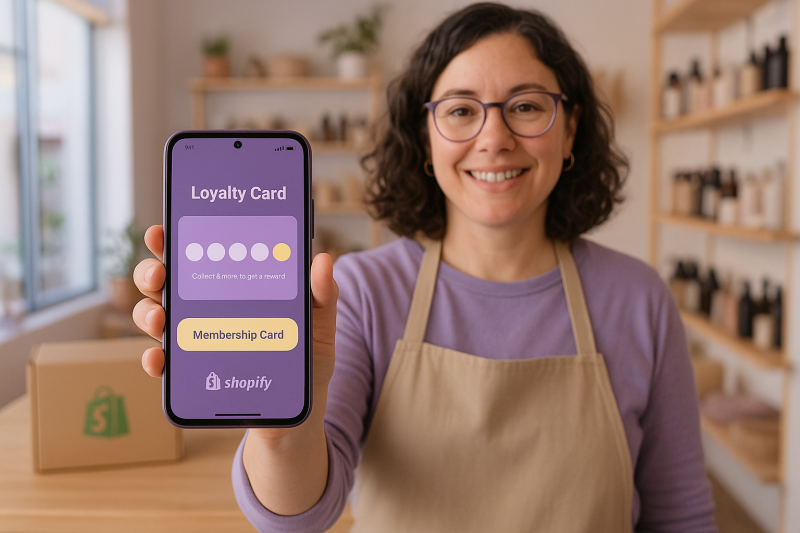
Yes, you can easily connect Loyaltycardtools.com to your Shopify store through Make.com for seamless automation of digital membership and punch cards.
You can offer digital membership cards and digital punch card programs—ideal for rewarding repeat business without the complexity of points systems.
No coding is required. The integration is handled via a no-code platform (Make.com), designed to be user-friendly for non-developers.
Digital cards are sent via email or SMS (for marketing/notifications), and customers can add them directly to their Apple Wallet or Google Pay.
Absolutely. Using the integration, new purchases can automatically add punches or update membership cards for the customer.
Loyaltycardtools.com provides validation tools (e.g., QR codes) that staff can use to quickly verify or redeem cards at the point of sale.
Yes, you can set up push notifications and SMS messages for marketing and timely loyalty updates. SMS verification is not supported.
Yes! Loyaltycardtools.com offers tailored solutions for restaurants, retail, and more. Visit our solutions for agencies page for industry examples.
Simply create a free trial account, design your card, and set up Make.com integration—all features can be tested at no cost.
Customer retention fuels sustainable success for ecommerce businesses. By integrating your loyalty program directly with Shopify, you'll unlock new opportunities for personalization, automation, and measurable growth. Loyaltycardtools.com makes it simple for any size business to launch effective digital punch card and membership card programs—no coding, no hassle, just results.
Ready to get started? Start your free trial today and see how easy it is to connect with your best customers.


LoyaltycardTools © 2026 — All rights reserved. X.I.S. B.V. · Company registration ID: BE0821.588.020. Terms and conditions | Sitemap
